Find an idea you understand
Open Compare resale ideas. Search for a product or brand, choose a source channel, and sort by newest, lowest buy price, or largest price difference.
Understand a lead before you buy
See what you could keep after buying costs, selling fees, and shipping. Use the free calculator to estimate profit and your break-even sale price without signing in. For more ideas to research, DivineDash's paid tools bring product leads, photos, buy prices, and resale estimates together.
The profit calculator and previous drop coverage are free. Resale leads and nearby stock reports require a paid Divine membership and Discord sign-in.
Example figures explain the comparison. They are not a current offer or a promised return.
Free tool · No sign-in needed
Try the resale profit calculator before buying. Change the example numbers to see estimated profit, return on buy cost, and the sale price needed to break even.
Estimated profit after entered costs
Before income tax and any costs you have not entered.This is a single-rate estimate. Fee tiers, discounts, tax rules, refunds and rounding can change actual results. Your inputs stay in this page and are not saved or sent.
How to choose your numbers and check the math ↓Compare the same model, condition, size and quantity. A sealed box, a loose item and a bundle are different comparisons. Record the sale dates and how many useful matches you found. Treat a small sample as uncertain.
Use sold-item results rather than active asking prices. eBay's Product Research provides actual sale prices, including accepted Best Offers, with up to three years of data. Compare recent matching sales and their shipping terms. A historical sale does not promise your item will sell for the same amount.
eBay's selling-fee rules vary by category and account. Its percentage fee can include buyer shipping and sales tax. Enter your applicable rate and fixed fee above; use Other costs for expected expenses outside that rate. Check your actual platform rules before relying on the estimate.
Estimated profit = item sale price + shipping charged to the buyer − total buy cost − postage paid − other costs − selling fees.
Return on buy cost (ROI) = estimated profit ÷ total buy cost × 100. A $0 buy cost has no defined ROI. This is different from profit margin, which uses sales revenue as its denominator.
Break-even item price is the lowest whole-cent price that covers the entered costs. We find that price while keeping your shipping, costs and fee settings fixed. If you include buyer tax in the fee base, the modeled tax changes with the sale price. The tax itself is never counted as your income.
The model rounds money inputs and the combined selling fee to cents, then subtracts those costs from revenue. It uses one percentage rate plus one fixed fee for one item. It does not reproduce platform fee tiers or prepare a tax return. Income tax and unentered expenses are excluded. Update your assumptions as prices and costs change.
Method sources checked September 13, 2026: eBay Product Research and eBay selling fees. The example numbers are illustrative and do not come from those fee schedules.
Open Compare resale ideas. Search for a product or brand, choose a source channel, and sort by newest, lowest buy price, or largest price difference.
Open a product to see its larger photo, buying price, resale estimate, and available write-up. Follow the original Discord post and any supporting links for the details behind the lead.
Compare the exact product and condition with current resale evidence. Account for selling fees, shipping, taxes, and other costs before buying. Use Stock near me when you want to explore local reports for tracked products.
Product cards put both figures side by side when they are available. The displayed difference is the gap between those figures before costs. It helps you compare leads, but it is not a calculation of your take-home profit.
See when a lead was posted and open its original Discord message. The detail view includes the research text and available product links, plus identifiers such as UPC or SKU when the source supplies them.
Use a product search or channel filter to focus on items you know how to check and sell. Load more keeps those filters in place, so you can review more ideas without starting your search again.
The Stock near me tab uses your saved ZIP to show local stock reports for tracked products. Filter by retailer and open the store reports for locations and available quantities. Stock availability and resale demand are separate things to check.
Past coverage from the team. These write-ups describe earlier drops; they are not current offers or guaranteed results.
Toys & Collectibles
Enter the raffle for a chance to grab this limited edition Pokemon set.
Read original coverage →Toys & Collectibles
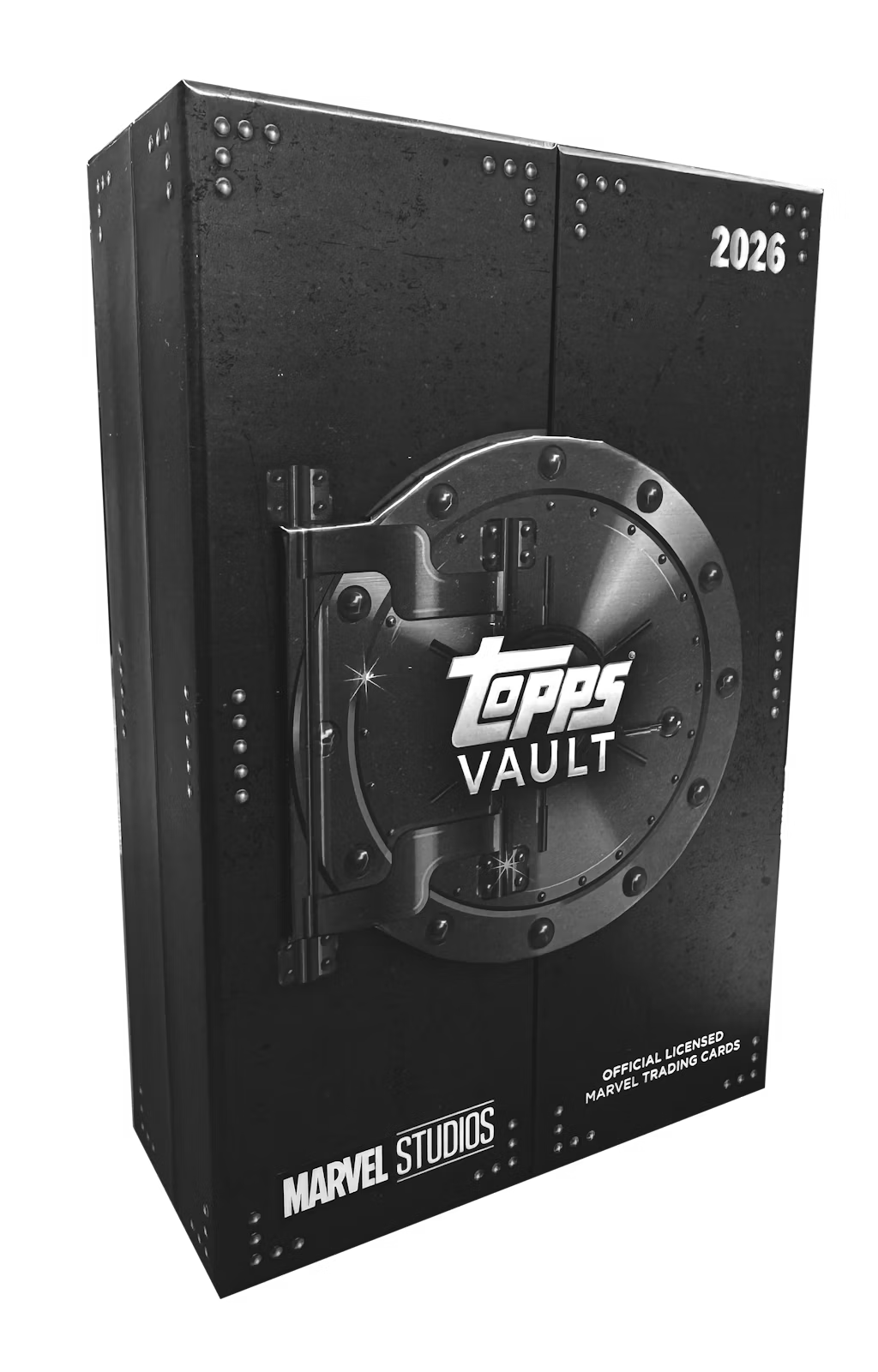
Limited Marvel collectibles up for grabs with solid resale potential.
Read original coverage →Toys & Collectibles
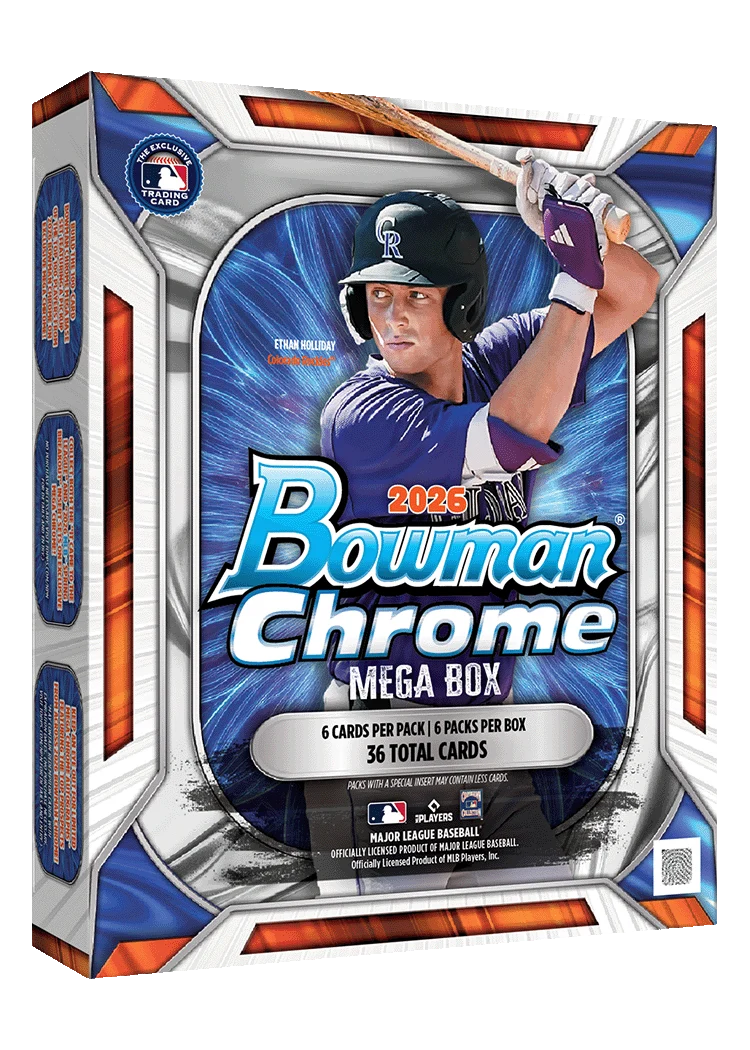
The latest Bowman Chrome Baseball Mega Box drops at major retailers with strong resale potential.
Read original coverage →No. It is the difference between the listed buy price and resale estimate before fees, shipping, taxes, and other costs. Your actual selling price and costs may differ. Review the original research and work through your own costs before making a purchase.
Compare resale ideas brings together product leads from Divine's covered Discord channels. Each lead links back to its original Discord post so members can read the source. A lead is a starting point for research, not a guarantee of demand or a completed sale.
Match the exact model, size, condition, and included accessories. Check recent completed sales where available, rather than relying only on what sellers are asking. Then compare those figures with your buying cost and expected selling costs. The dashboard does not do every one of those checks for you.
No. It is a separate view of tracked products with nearby stock reports, not a stock lookup for every idea in the research feed. Available retailers, products, and locations depend on current coverage. Confirm stock and price with the retailer before traveling.
Yes. Previous drops contains public write-ups of opportunities the team covered. Read them to see the products and context behind earlier drops. They are historical coverage; an old price, release, or buying link may no longer be available.
The profit calculator and previous drop coverage are free. Resale leads and nearby stock reports require a paid Divine membership and Discord sign-in.