Sign in with Discord
Use the Discord account connected to your Divine membership. Allow direct messages from the Divine server so the bot can reach your inbox.
Your Discord companion
Tell DivineDash what you are looking for. Product alerts follow matching deals in the catalog; Discord alerts follow posts in the channels you choose. Manage both from your dashboard and get updates in your private Discord messages.
Product alerts and Discord alerts require a paid Divine membership and Discord sign-in. You can browse public deals and previous drops without an account. A free account gives you a dashboard and favorite stores; it does not unlock these alert tools.
A new matching listing is found ↓
You choose the rule. Matches come from the supported deal feed.
Use the Discord account connected to your Divine membership. Allow direct messages from the Divine server so the bot can reach your inbox.
For products, enter a product or brand and add an optional budget or store filter. For Discord posts, choose a keyword and the channels or groups you want to watch.
Open a matching alert in Discord, review the product or original post, and check the offer before buying. Return to the dashboard when you want to adjust what you follow.
Set a lowest price, highest price, or minimum discount. For example, a headphones alert with a $100 maximum looks for matching catalog deals within that price limit. Store filters help narrow the search further.
Watch a keyword in selected channels, groups of channels, or all groups you can access. Keyword watches follow bot posts in monitor feeds. They do not search every conversation or grant access to private channels.
The product alert editor previews matching catalog deals when available. Use the preview to see whether your words and price filters are too broad, then save a rule you understand.
Edit, pause, or delete saved product alerts from one list. Manage Discord watches separately so you can change a keyword or its channel selection without rebuilding your product rules.
Past coverage from the team. These write-ups describe earlier drops; they are not current offers or guaranteed results.
Toys & Collectibles
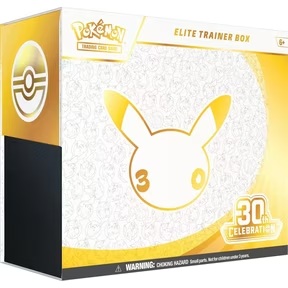
Enter the raffle for a chance to grab this limited edition Pokemon set.
Read original coverage →Toys & Collectibles
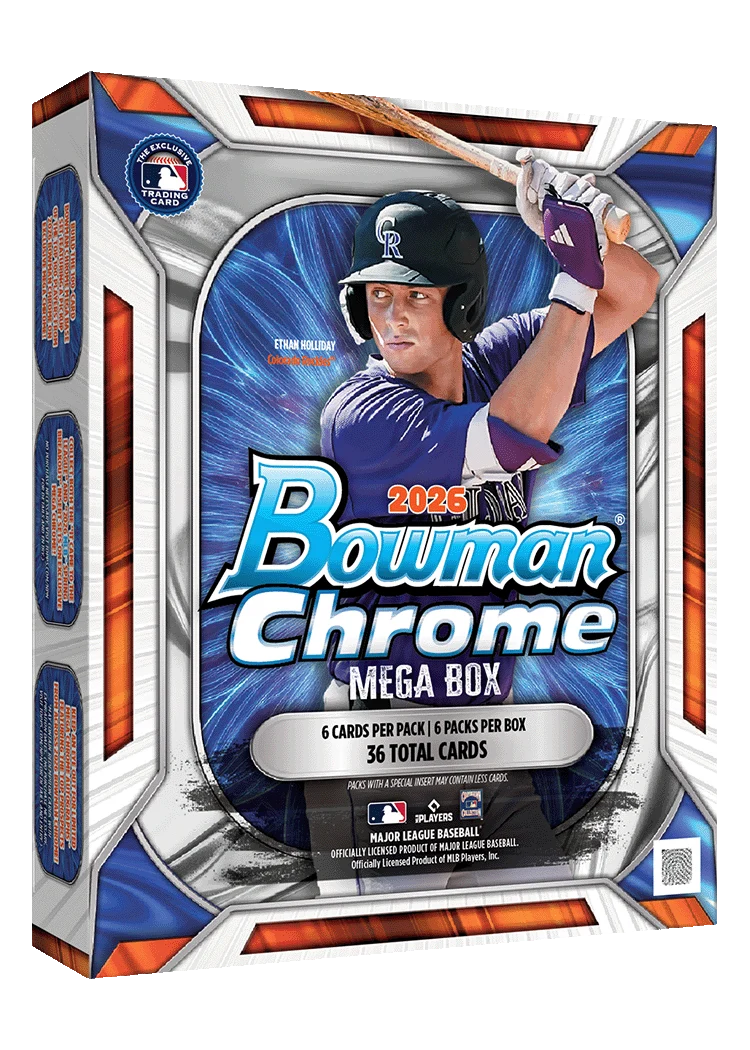
The latest Bowman Chrome Baseball Mega Box drops at major retailers with strong resale potential.
Read original coverage →Toys & Collectibles
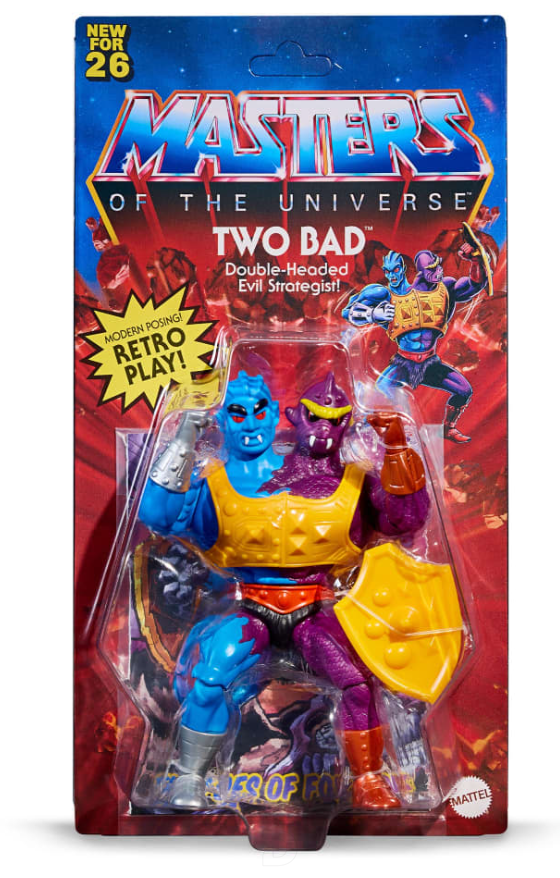
The retro Two Bad figure hits Mattel Creations with exclusive early access.
Read original coverage →Product alerts check DivineDash's deal catalog using your product, price, discount, and store filters. Discord alerts watch eligible posts in the Divine channels you select. Both deliver through Discord DMs, but they follow different sources and have separate controls.
Yes. In Product alerts, separate product terms with commas and select stores if you want to narrow the rule. Leaving the store selection empty follows all supported stores. Use separate rules when products need different budgets or filters.
Delivery depends on when a source updates, when your rule matches, and whether Discord can deliver the DM. Product alerts check the catalog periodically. Keep Discord DMs open and review the dashboard's delivery notice if messages stop arriving; an alert does not reserve a product.
The alert tools require a paid Divine membership. Public deals and previous drop coverage are open without signing in. A free Discord sign-in adds your dashboard, favorite stores, account settings, and support access.
You can create a Discord watch for a keyword in an available restock or monitor channel you can access. This follows matching posts from that source. It is not a promise that every retailer, product, or restock will be tracked.
Product alerts and Discord alerts require a paid Divine membership and Discord sign-in. You can browse public deals and previous drops without an account. A free account gives you a dashboard and favorite stores; it does not unlock these alert tools.